Popular Searches:
Recommended Posts


Search Results

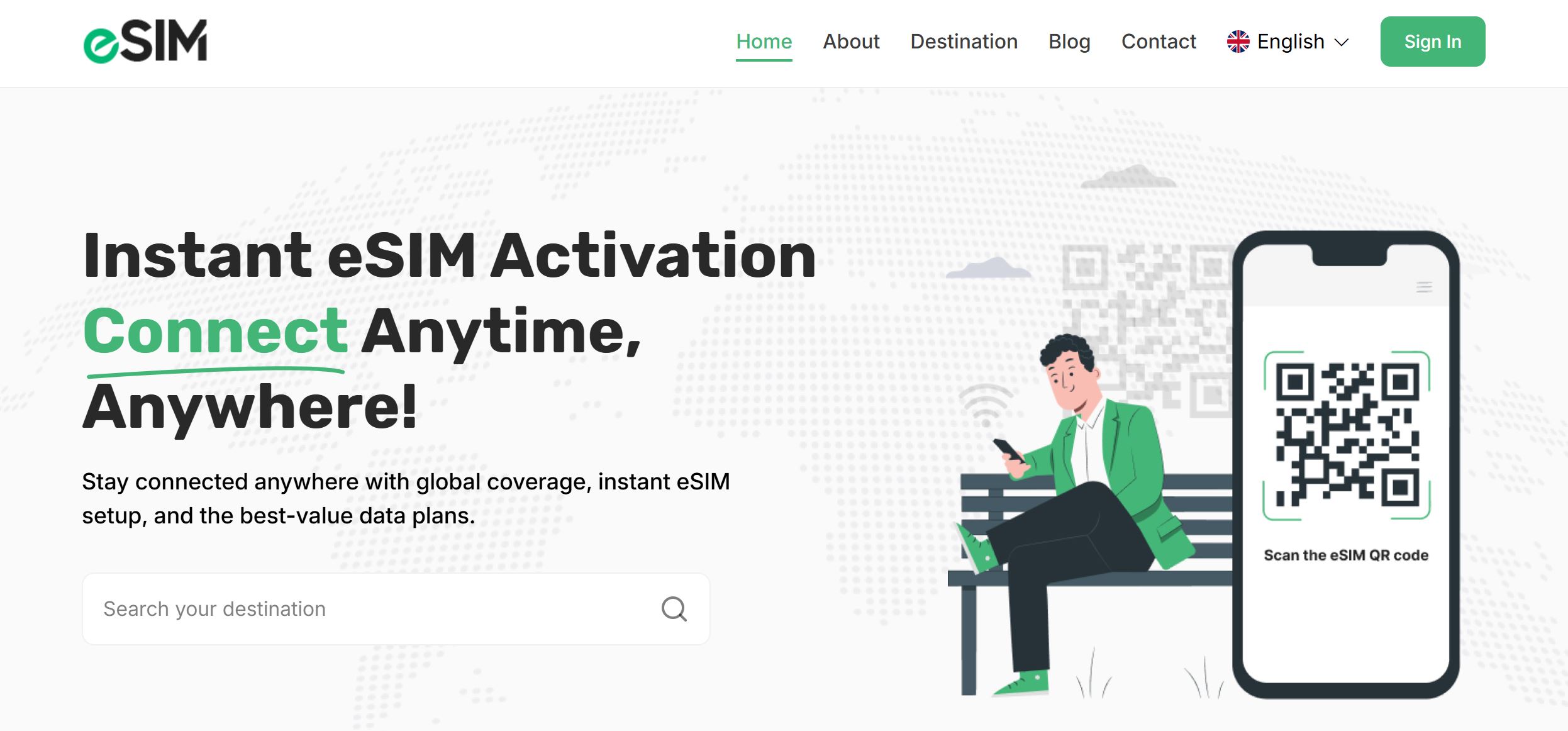
Unlock the complete step-by-step installation tutorial for the international eSIM and data purchase platform from CodeCanyon. In this video, I walk you through domain setup, server configuration, database installation, admin panel activation, and full customization everything you need to get your platform online fast.
If you need help installing or customizing this software, you can hire me directly. I have experience installing, configuring, and optimizing premium digital platforms to run smoothly on any hosting environment.
🌐 My Website (Tech News & Software Deals):
www.tundechinfo.com.ng — Get the latest tech updates, lifetime software deals, Google algorithm news, and business insights.
Hire Me:
WhatsApp: https://wa.me/tundetechinfo
Email: Tundetechinfo@gmail.com
Phone: +2348101842235
https://linktr.ee/tundetechinfo
Watch the video below: