Popular Searches:
Recommended Posts


Search Results


If you’re running a hotel, guesthouse, or short-term rental business, managing reservations can quickly become overwhelming. That’s where the Hotel Booking System for WordPress comes in an all-in-one solution that simplifies room booking, customer management, and payment processing right on your website.
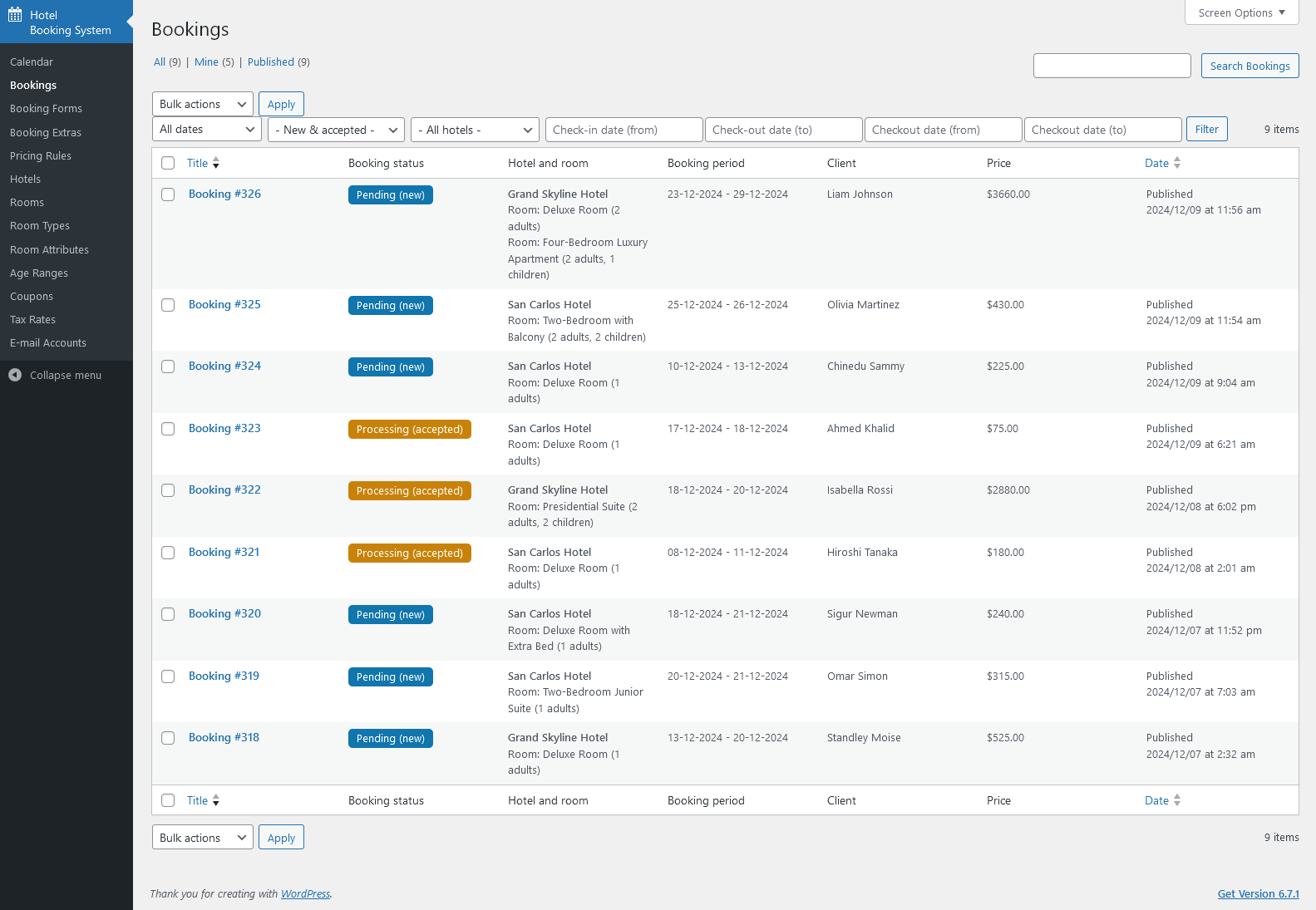
In this guide, I’ll walk you through its features, system requirements, demo insights, and the pros & cons. And if you’d rather save time, I also offer professional installation services to get you up and running in no time.

Simple Room & Booking Management – Easily add rooms, set availability, and accept reservations.
Flexible Pricing – Seasonal pricing, discounts, and coupon codes supported.
Multiple Payment Gateways – Accept bookings with PayPal, Stripe, and other secure gateways.
Calendar Integration – Sync with Google Calendar or external booking platforms.
Multi-language Support – Ideal for global hotel businesses.
Responsive Design – Works seamlessly across desktop, tablet, and mobile devices.
Before installation, make sure your hosting meets the following:
WordPress 5.8 or higher
PHP 7.4 or later
MySQL 5.6+ or MariaDB equivalent
At least 2GB server memory recommended
SSL Certificate (for secure payment gateways)
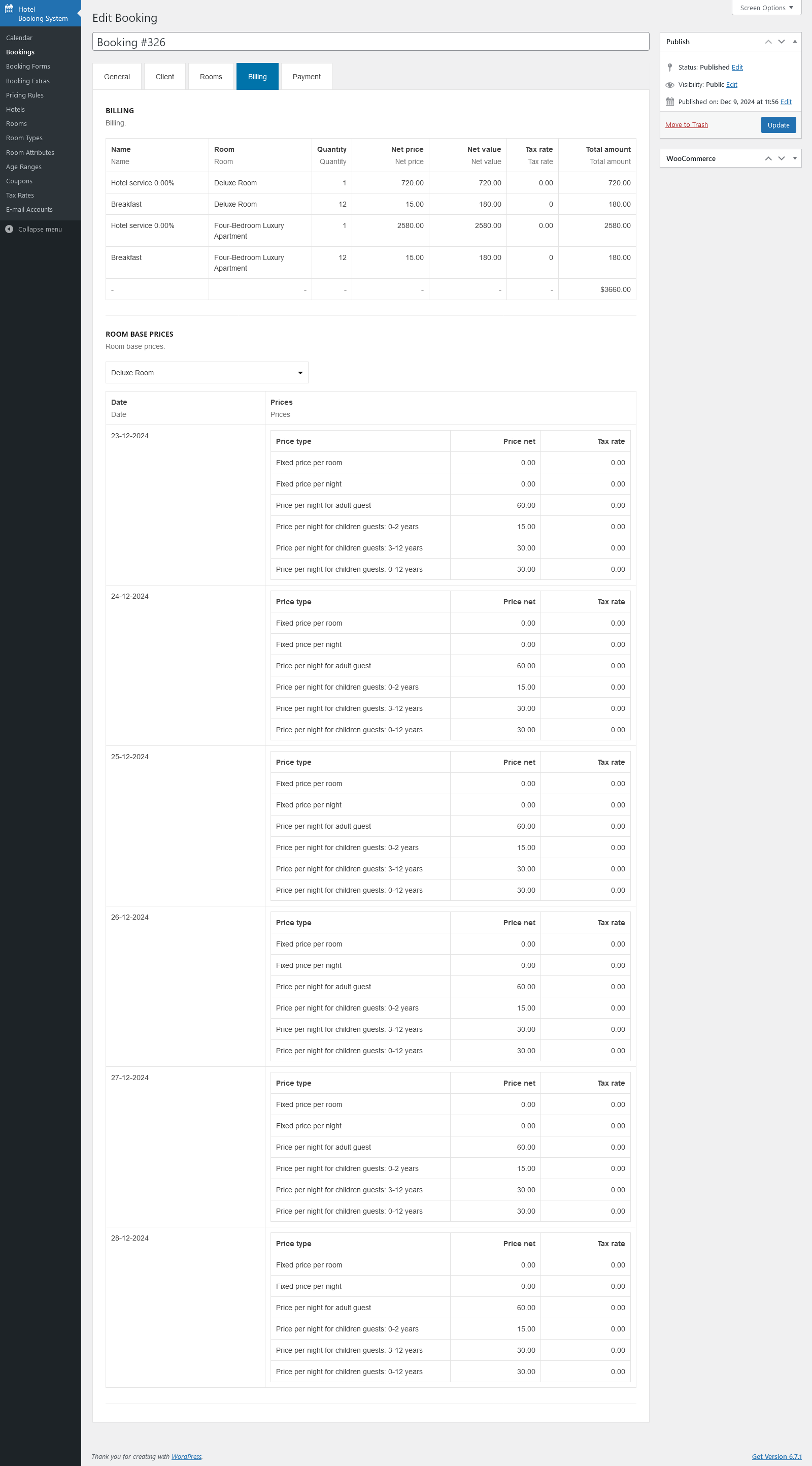
The Hotel Booking System for WordPress demo gives you a real feel of how customers will interact with your site. From choosing rooms to making payments, everything is smooth and user-friendly. The admin dashboard is clean, allowing you to track bookings, manage availability, and configure payment options effortlessly.
Pros
✔ All-in-one booking & hotel management system
✔ Easy to use for both admins and guests
✔ Secure payments & automated booking confirmations
✔ Highly customizable with themes & plugins
Cons
✘ Requires proper setup for smooth functionality
✘ Advanced customization may need a developer’s help
✘ Hosting performance impacts booking speed
If you’d prefer a hassle-free setup, I provide professional installation services:
| Package | Price | What You Get |
|---|---|---|
| Basic | $50 | Installation & basic configuration |
| Standard | $100 | Installation, Analytics setup, + 1 month free maintenance |
| Premium | $150 | Installation, SEO + Analytics setup, + 3 months free maintenance |
Setting up this plugin properly ensures you don’t lose customers due to technical issues. I can help you install, configure, and optimize the Hotel Booking System for WordPress, ensuring your site is ready to take bookings smoothly.
👉 Contact me today and let’s get your hotel booking system live without stress!